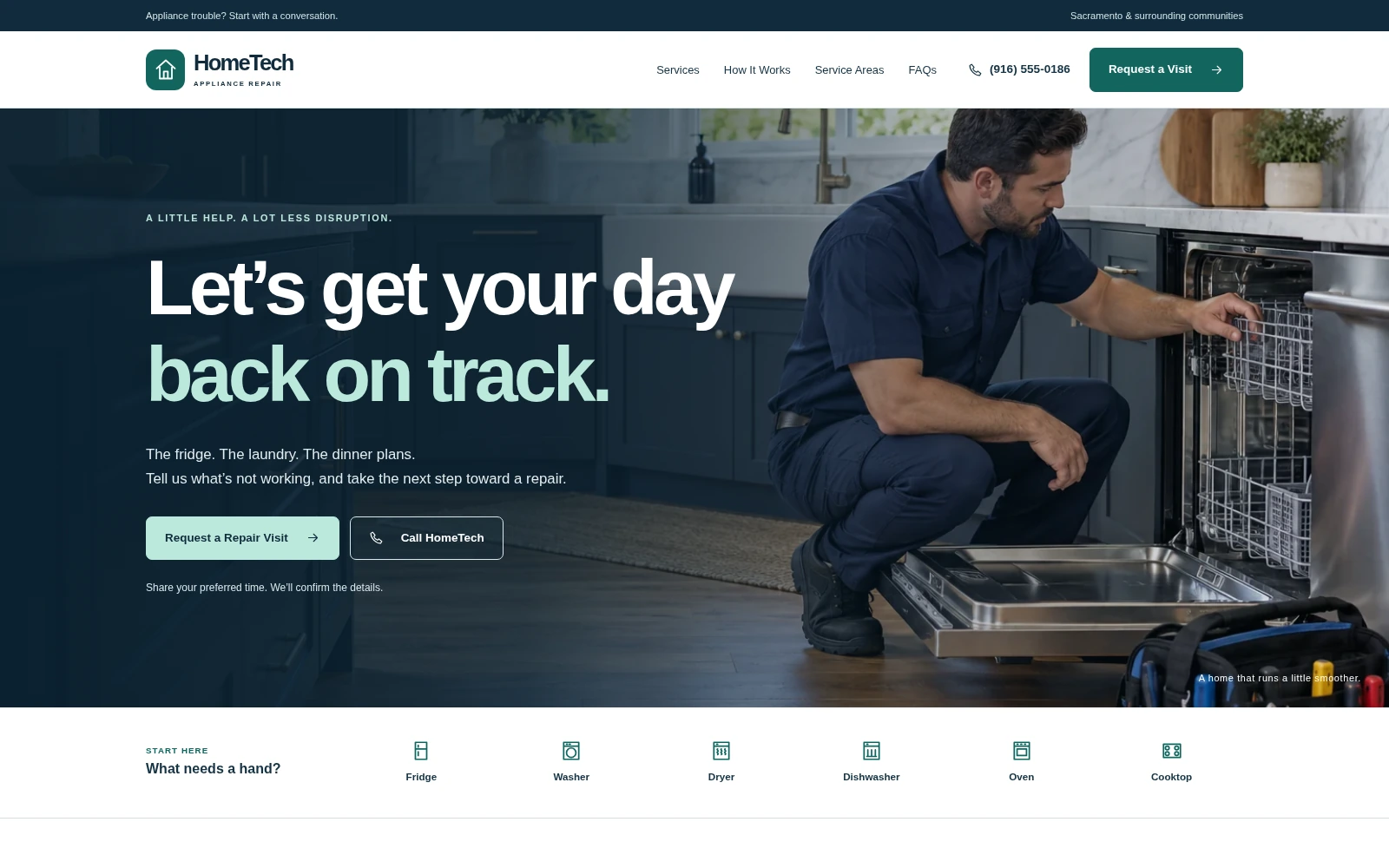
HomeTech Repair
A focused appliance repair landing page with clear service coverage, quick appliance selection, and easy call and visit-inquiry actions.
About this template.
HomeTech Repair gives appliance repair businesses a clear, welcoming online presence. Navy, white, and teal styling frames twelve original WebP photographs, six appliance service cards, and a keyboard-accessible symptom guide. Homeowner and rental-property panels, eight California service cities, and prominent phone links guide visitors toward a relevant inquiry. Preferred dates and times are collected as requests; appointments require confirmation by the business.
Template features.
Practical service content and straightforward inquiry tools.
Included sections.
Organized around appliance problems, local coverage, and a simple next step.
- 01Header, mobile navigation, and full-width photo hero
- 02Quick appliance selector and six service cards
- 03Interactive symptom guide
- 04Four illustrative service-inspiration cards
- 05Homeowner and rental-property panels
- 06Service approach and eight coverage cities
- 07Clearly labeled sample testimonials
- 08Four-step process and business introduction
- 09Visit inquiry form and email draft tools
- 10Contact details, business hours, and thirteen FAQs
- 11Footer, policy dialogs, and mobile action bar
What’s included.
Editable source files—no proprietary page-builder lock-in.
hometech-repair/
├── index.html
├── README.html
├── LICENSES.txt
└── assets/
    ├── favicon.svg
    ├── css/style.css
    ├── js/main.js
    ├── images/ (12 WebP photographs)
    ├── icons/sprite.svg
    └── vendor/bootstrap/
        ├── bootstrap.min.css
        └── bootstrap.bundle.min.js
Technical details
- Framework
- Bootstrap 5.3.8 (local)
- HTML
- HTML5
- CSS
- CSS3
- JavaScript
- Vanilla JS
- Responsive
- Yes
- Retina Ready
- Yes
- Icons
- Local SVG icons
- Documentation
- Self-contained README.html
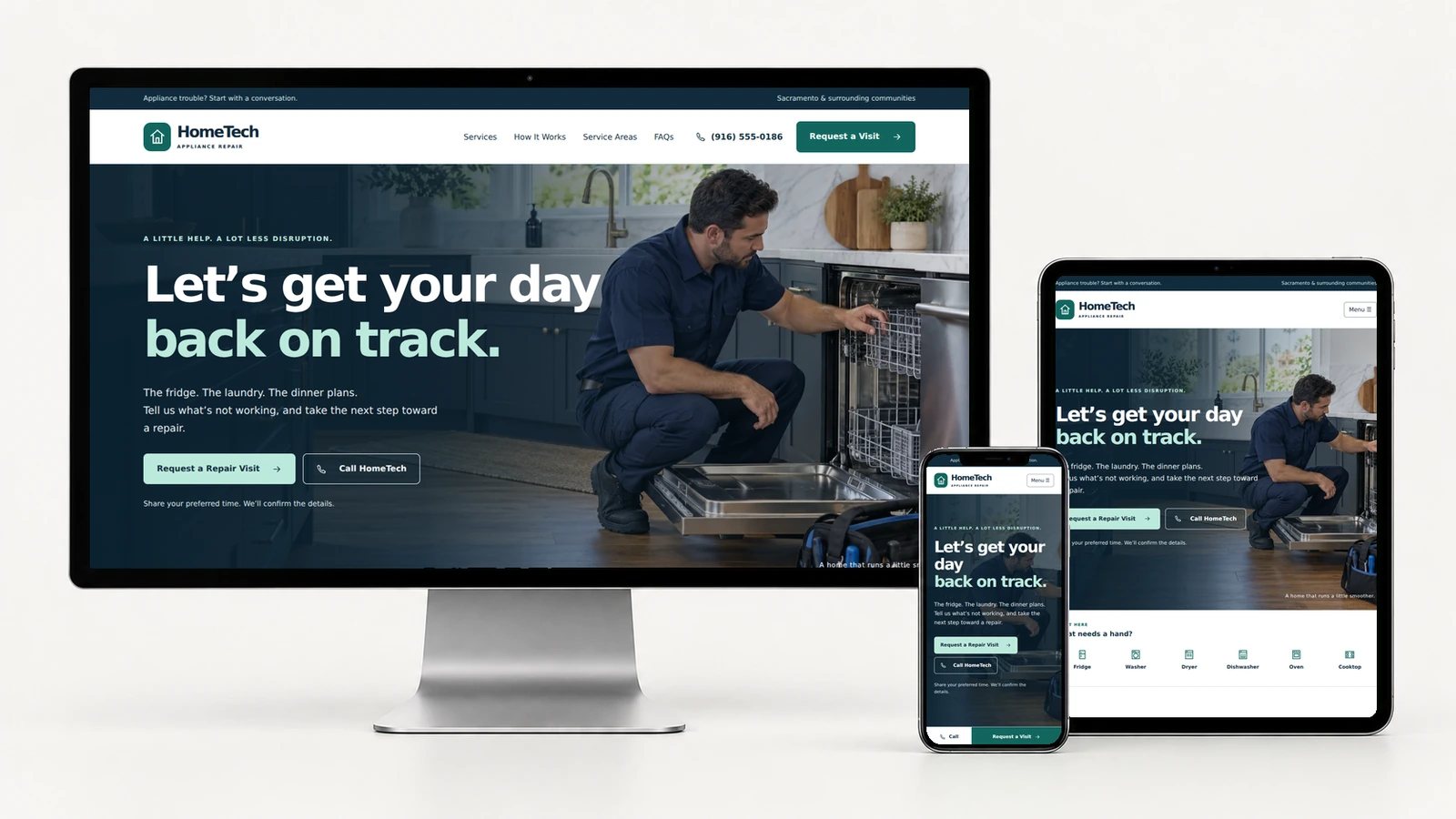
Clear service information on every screen.
The responsive layout adapts across desktop, tablet, and mobile. A compact mobile menu and persistent call and request controls keep the next step close at hand.
Easy to customize.
Swap in your logo, business name, contact details, imagery, services, calls-to-action, system typography, and brand colors. The shared CSS structure keeps common visual changes centralized.
:root {
  --navy: #112b3c;
  --teal: #12665f;
  --mint: #bce9dc;
}Perfect for.
License.
Review the current PixelToWeb purchase terms for permitted use and redistribution restrictions. Included third-party notices are documented in LICENSES.txt.
Review licensing informationDocumentation & form behavior.
README.html covers customization, image replacement, inquiry preselection, Hostinger upload, dependencies, accessibility checks, troubleshooting, and launch steps. No build process, remote fonts, or CDN dependencies are required by the delivered demo template.
The form validates required fields and preferred dates, then prepares an email draft for the visitor to review, copy, or open in their email app. It does not automatically send, store inquiries, or book appointments. Automatic delivery needs a backend.
Replace fictional contact details, sample testimonials, policy text, and illustrative photos as appropriate before launch. Service availability, charges, and repair scope must be confirmed by the business.
Read the template documentationMake the template your business.
Update contact details and service coverage, replace sample reviews with authentic feedback, and test your call links and inquiry workflow. README.html includes the full launch checklist.
Launch with
HomeTech Repair.
Preview the complete demo, then use the editable source files as the starting point for your next business website.