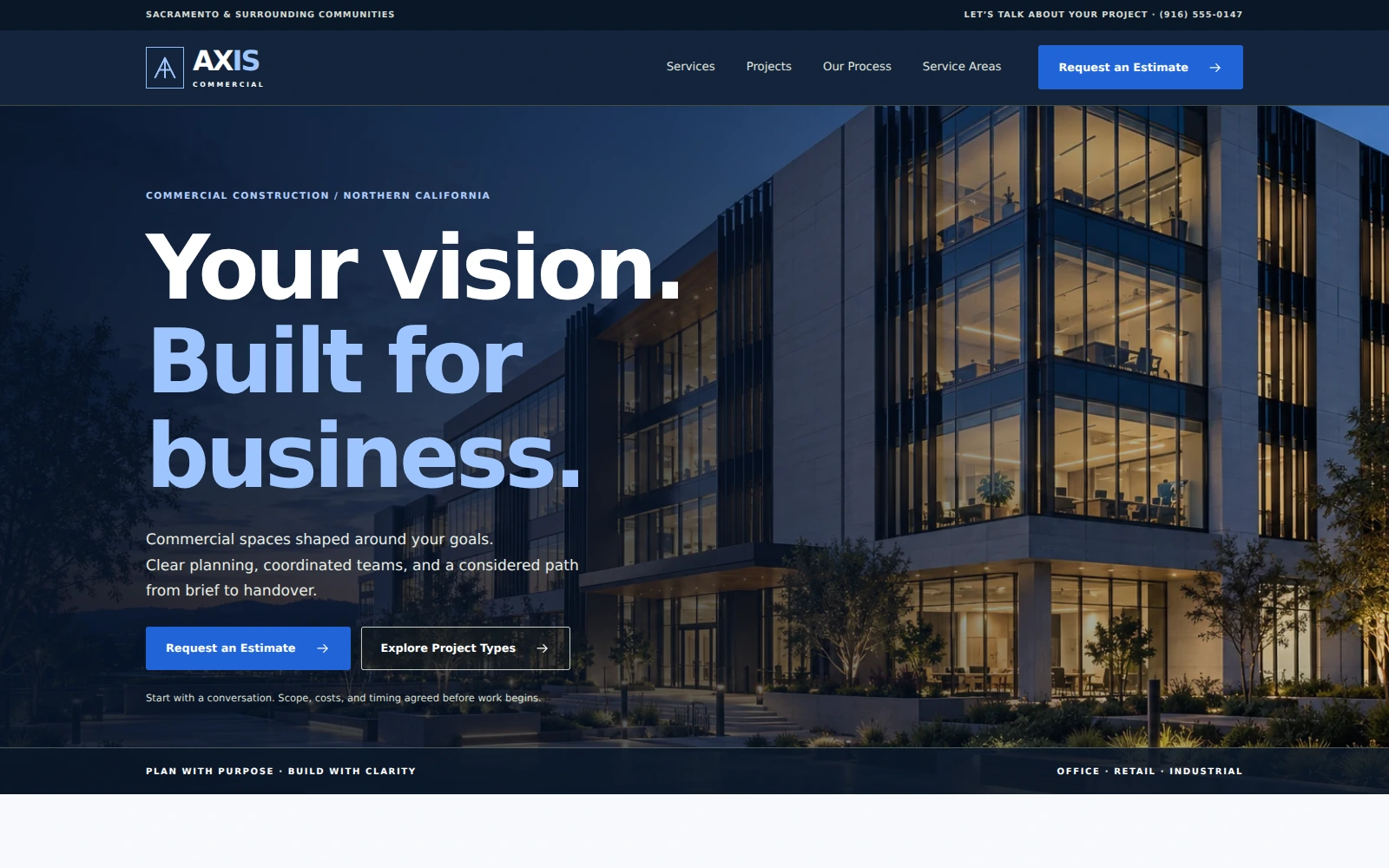
Axis Commercial
A corporate commercial construction template with clear capabilities, project inspiration, and a focused path to an estimate inquiry.
About this template.
Axis Commercial is a responsive Bootstrap 5 template for commercial construction businesses. Its clean corporate layout highlights services and projects, with an estimate inquiry form to help prospective clients get in touch.
Template features.
Corporate presentation and practical inquiry tools for commercial construction contractors.
Included sections.
A clear journey from capabilities and project ideas to a focused conversation about project scale, stakeholder roles, operational constraints, and scope.
- 01Utility bar, header, mobile navigation, and full-width office-campus hero
- 02Six commercial construction capability cards
- 03Four illustrative commercial project concepts
- 04Owner/developer and business/tenant panels
- 05Approach and project-planning principles
- 06Eight-city Sacramento-area service coverage
- 07Three demonstration testimonials
- 08Four-step commercial delivery process
- 09Business introduction
- 10Estimate inquiry and email draft tools
- 11Contact details and business hours
- 12Thirteen FAQs, footer, policy dialogs, and mobile actions
What’s included.
Editable source files—no proprietary page-builder lock-in.
axis-commercial/
  index.html
  README.html
  LICENSES.txt
  assets/
    favicon.svg
    css/style.css
    js/main.js
    images/ (8 WebP photographs)
    icons/sprite.svg
    vendor/bootstrap/
      bootstrap.min.css
      bootstrap.bundle.min.js
Technical details
- Framework
- Bootstrap 5.3.8 (local)
- HTML
- HTML5
- CSS
- CSS3
- JavaScript
- Vanilla JS
- Responsive
- Yes
- Retina Ready
- Yes
- Icons
- Local SVG icons
- Documentation
- Self-contained README.html
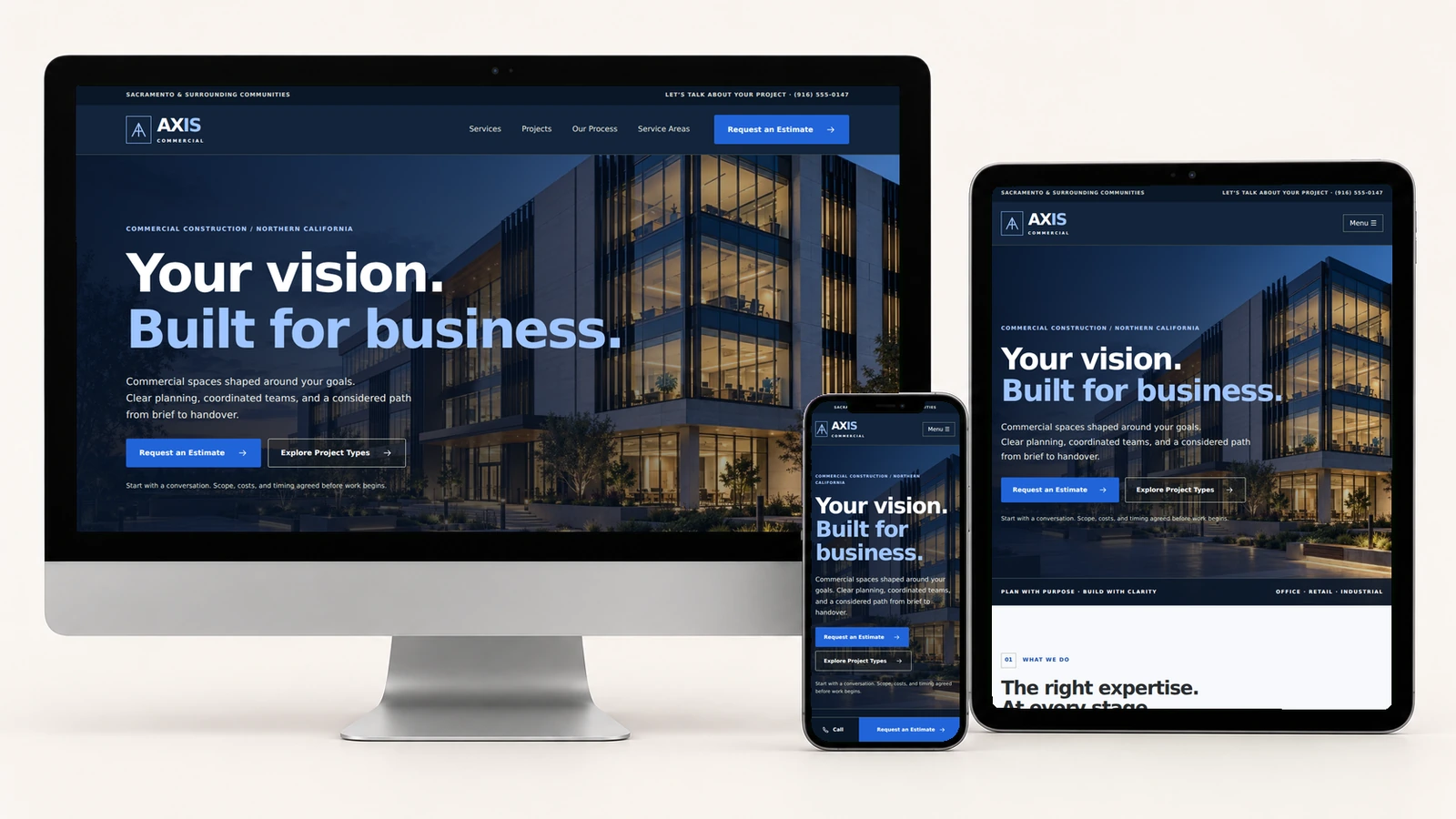
A clear view on every screen.
The actual Axis Commercial page shown on desktop, tablet, and mobile. Responsive typography, flexible project cards, and mobile call and estimate controls keep the next step easy to find.
Easy to customize.
Edit the business name, contact details, hours, services, city coverage, project copy, FAQs, and calls-to-action in index.html. Adjust colors, bold headings, spacing, and image cropping in assets/css/style.css. Configure the inquiry email recipient in assets/js/main.js.
Replace the commercial project concepts with authorized project photography and accurate captions. The included photos are AI-generated illustrations; project examples, team imagery, and sample testimonials should be replaced with authentic, authorized material before being presented as real business evidence.
:root {
  --charcoal: #12243b;
  --amber: #2164d9;
  --ivory: #f7f9fc;
}

/* Corporate typography */
h1, h2 {
  font-family: Arial, Helvetica, sans-serif;
}
Form behavior: collect company, indicative budget range, service, stakeholder role, city, approximate project size, project stage, operational constraints, preferred discussion date, timing flexibility, and project details. Visitors review or copy an email draft and send it through their own email app. Automatic delivery requires a backend or form service; dates and costs are not confirmed online.
Perfect for.
License.
Review the current PixelToWeb purchase terms for permitted use and redistribution restrictions. Included third-party notices are documented in LICENSES.txt.
Review licensing informationDocumentation & form behavior.
The buyer-focused README.html explains the file structure, content editing, design tokens, photo replacement, project cards, preselection links, estimate form, policy dialogs, local dependencies, launch checklist, and troubleshooting. A Back to Template link returns directly to the demo.
The supplied form validates required fields and preferred dates, prepares a reviewable email draft, and provides a copy action. It does not automatically send or store submissions, calculate estimates, reserve dates, accept payments, or create contracts. No build step, database, remote fonts, or CDN is required by the delivered template.
Read documentationMake the capabilities your own.
Update the fictional contact details and service coverage, add authentic project photos and customer feedback, review policy wording, and test the inquiry workflow. The included README.html guides each change.
Launch with
Axis Commercial.
Preview the complete demo, then use the editable source files as the starting point for your next business website.